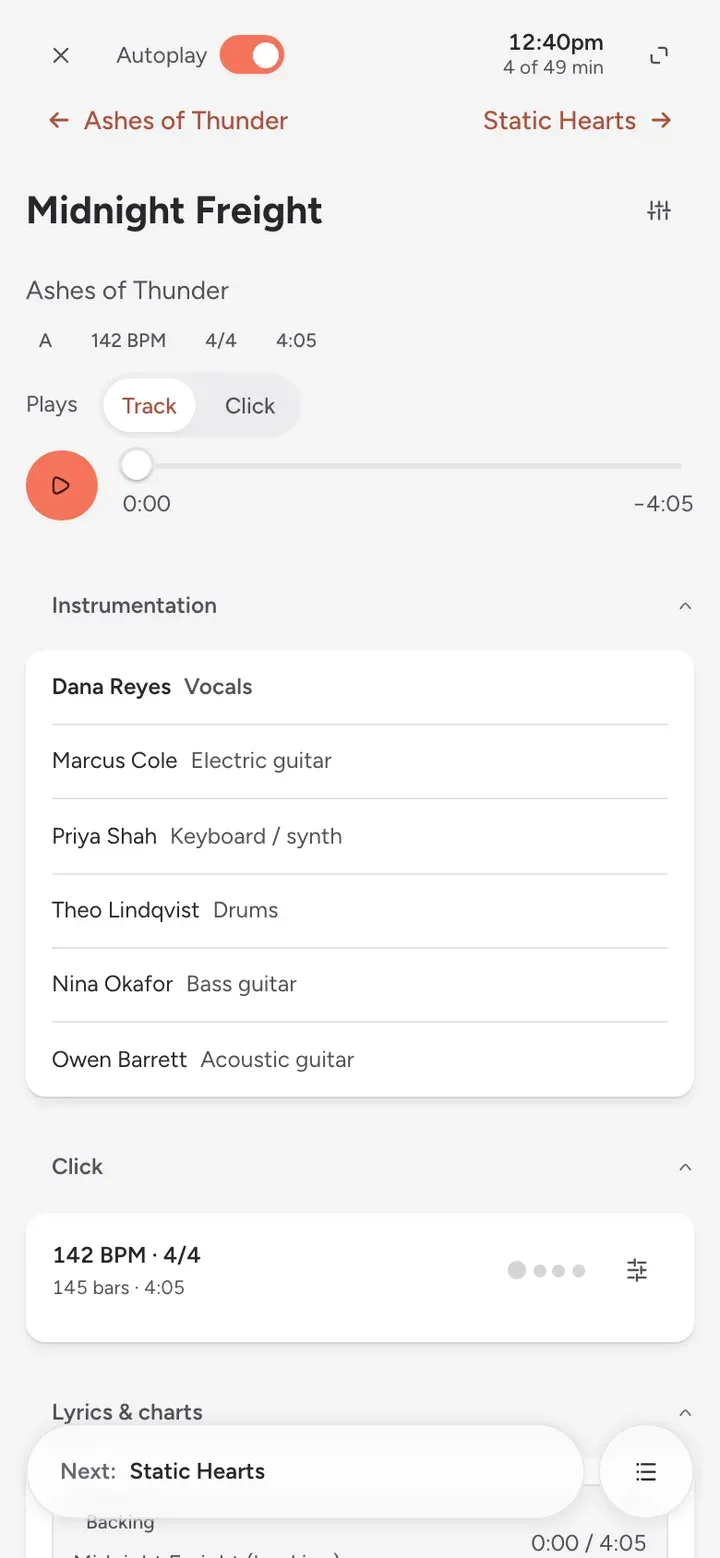

The click
Every song with a tempo plays its own click. It counts the bars as it goes (“Bar 12 of 128”) and stops at the end of the song.
Play it
Section titled “Play it”Open a song, under Music, then Songs, and press play in its Click section. On a computer, Space starts and stops it. A song opened from a set list has the same click.
Change how it sounds
Section titled “Change how it sounds”Press Click settings, the sliders beside the click. The settings come in three groups:
- This song: how this song is counted, such as eighths, triplets, or swing. Changing the tempo here is for practice: the song keeps its own.
- Every song in the band: the sound, its length, volume, which ear it plays in, accenting the first beat, and a count-in. Set these once and every song uses them.
- On this device: whether it stops at the end of the song, and whether the screen flashes on the beat.
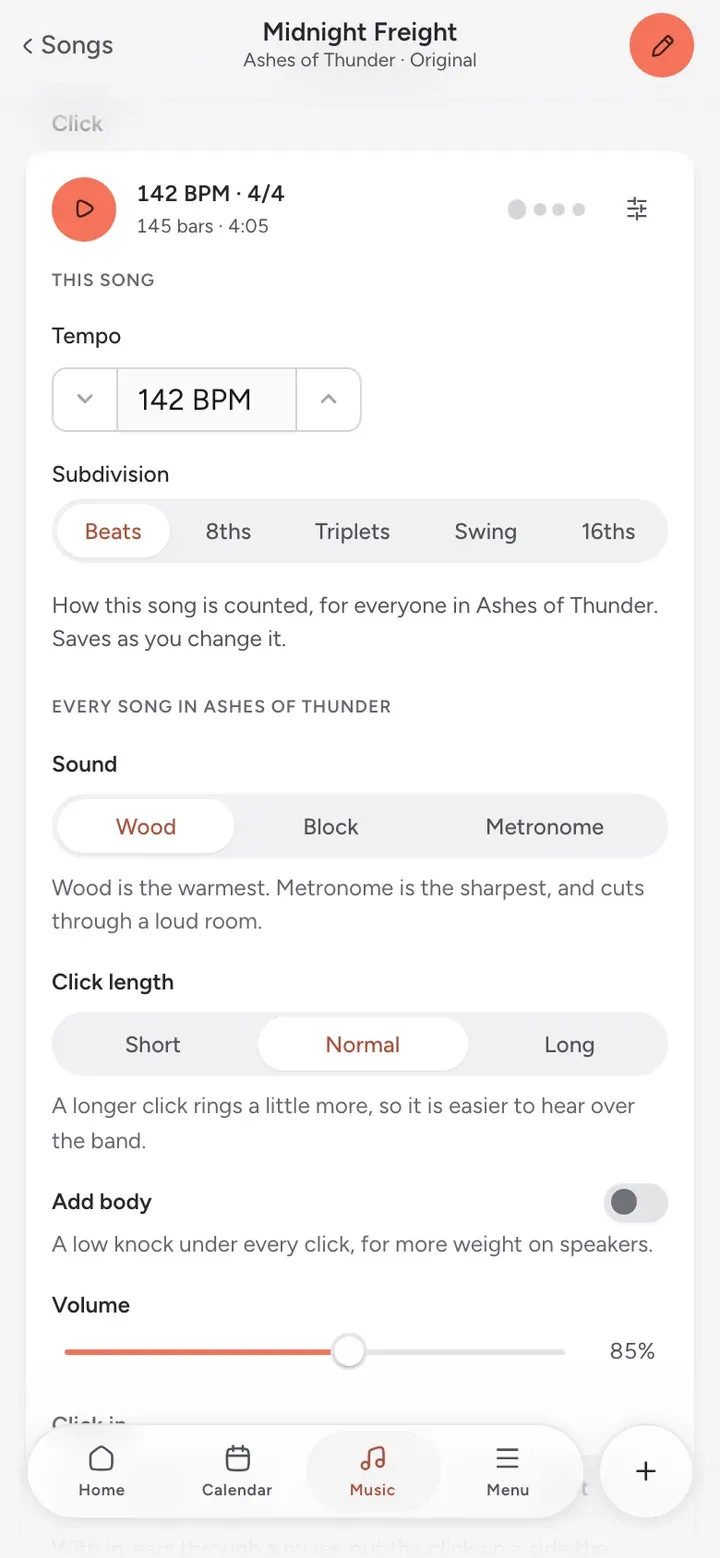
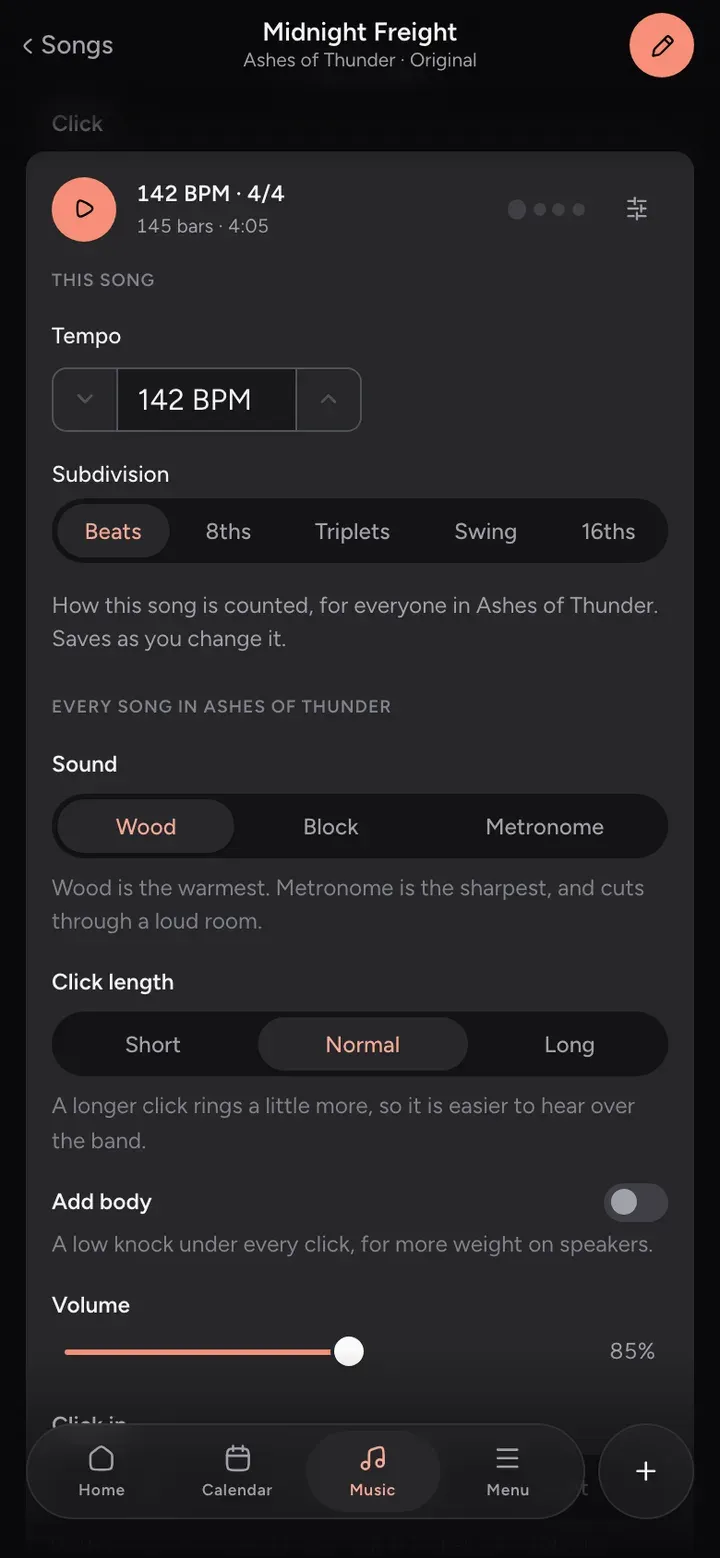
Changes save as you make them, and Saved shows beside the group for a moment. The settings for every song can be changed by whoever can change the band’s settings; for anyone else, a change plays until they leave the song.
On stage
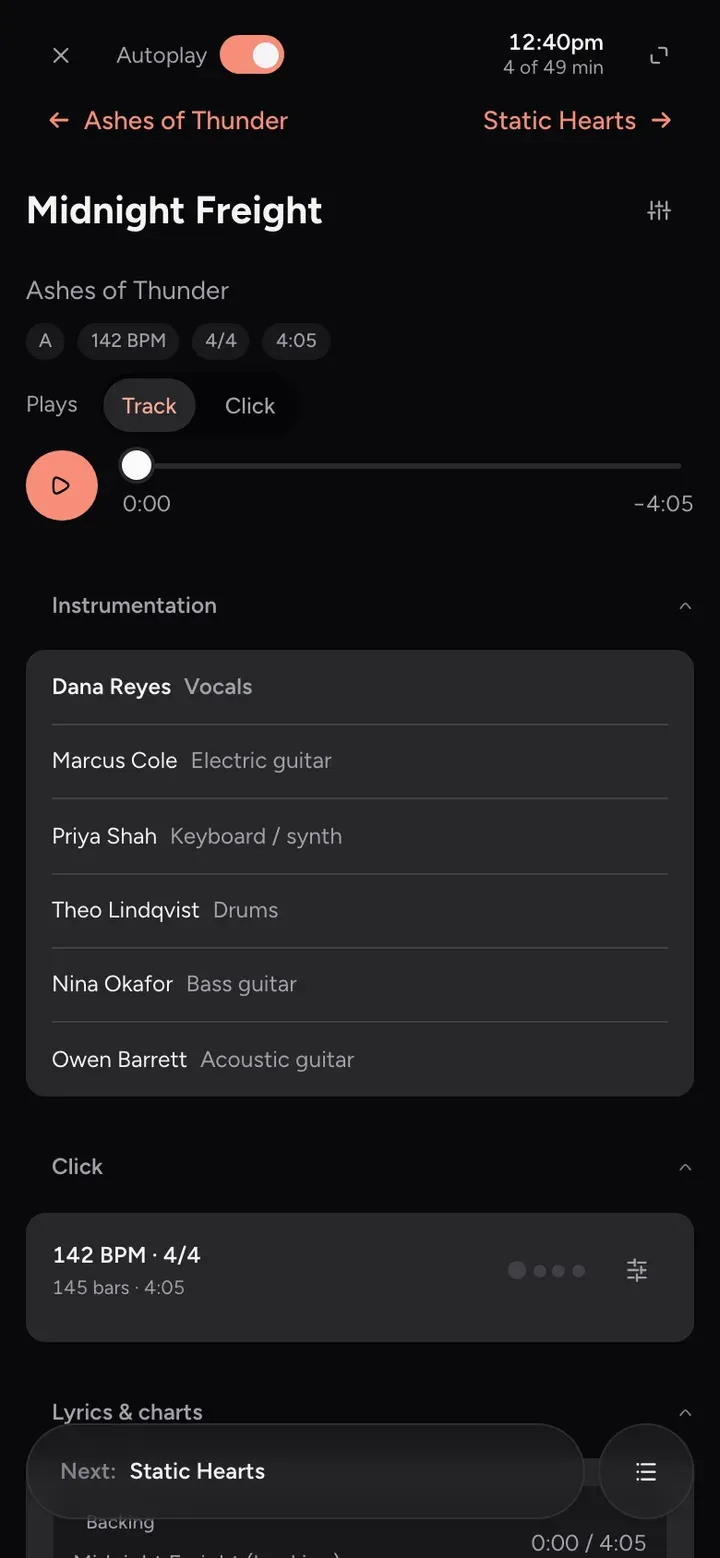
Section titled “On stage”In Stage Mode, the click has its own section on each song. The one play button at the top plays the song: with its backing track, or with its click. When a song has both, choose under Plays: Track or Click. Your choice is remembered on that device.